
Chrome, Brave and Microsoft Edge
SSDB extension
Smart Study Distraction Blocker
Enjoy the videos that help you learn. Leave the distractions behind.
Automatically detects and blocks distracting YouTube videos while keeping educational content accessible. No need to manually block channel after channel. Plus, hide distracting recommendations and block the websites that pull you away from studying.
Smart Study Distraction Blocker (SSDB) is a browser extension that keeps YouTube and the open web from pulling you away while you study. It works on its own, and pairs with the SSDB Windows app when you want a lock that is much harder to bypass.
What it does
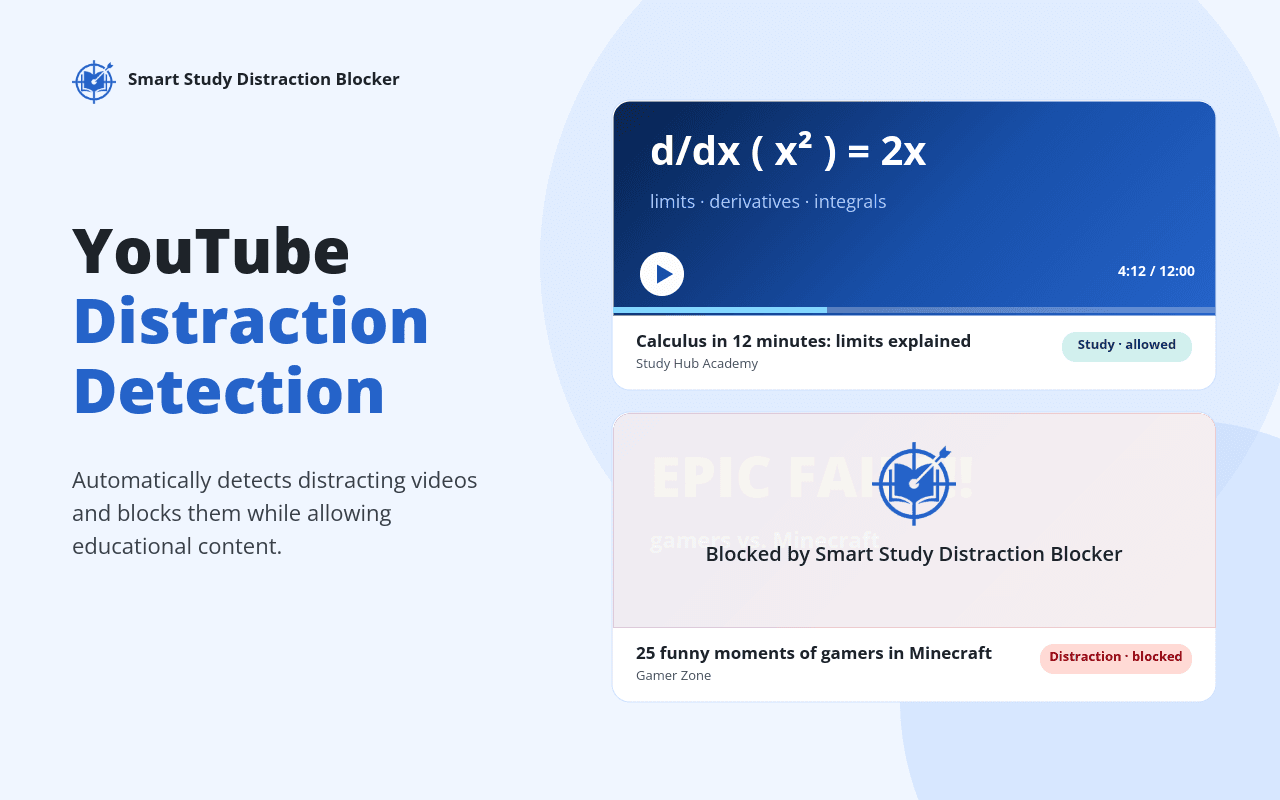
Detects distracting YouTube videos
Reads each video’s title and channel and judges whether it fits studying. Distracting videos get a block screen, uncertain ones ask you first, and channels you trust stay always allowed.
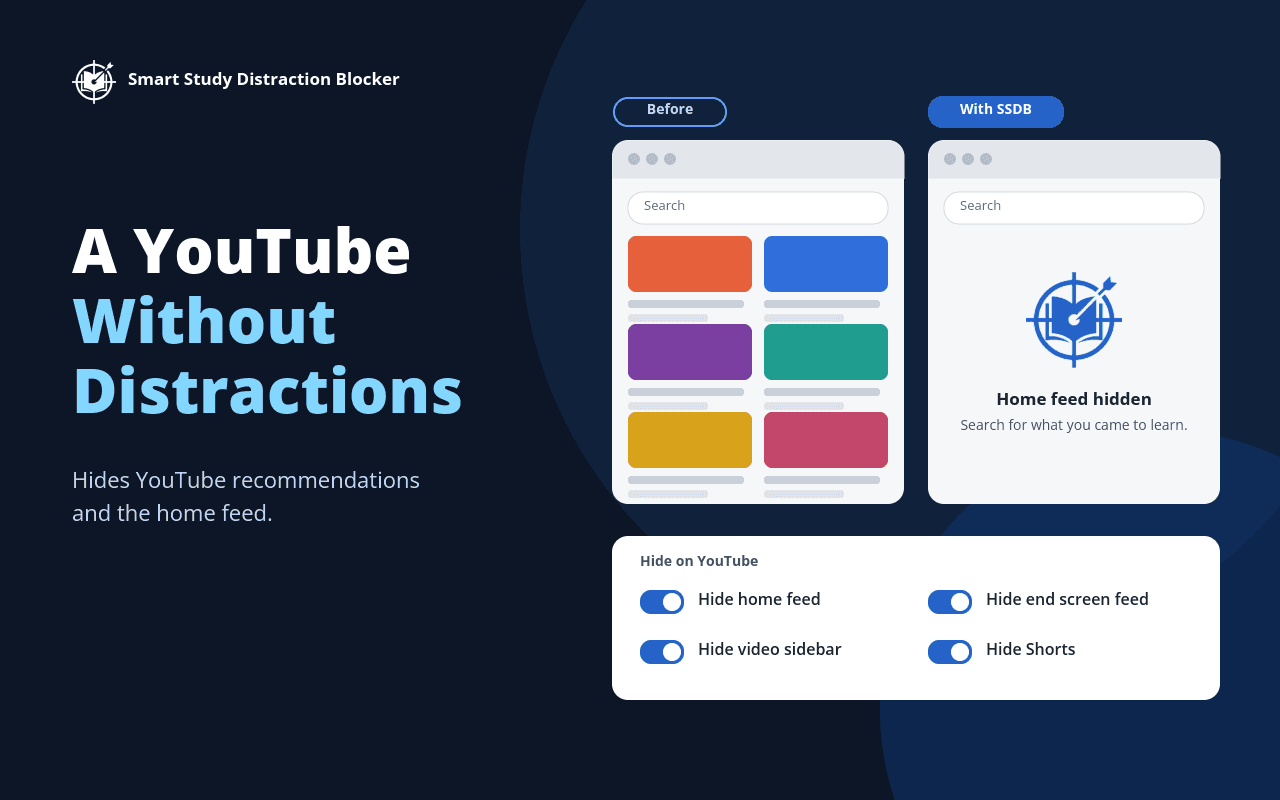
YouTube without the distractions
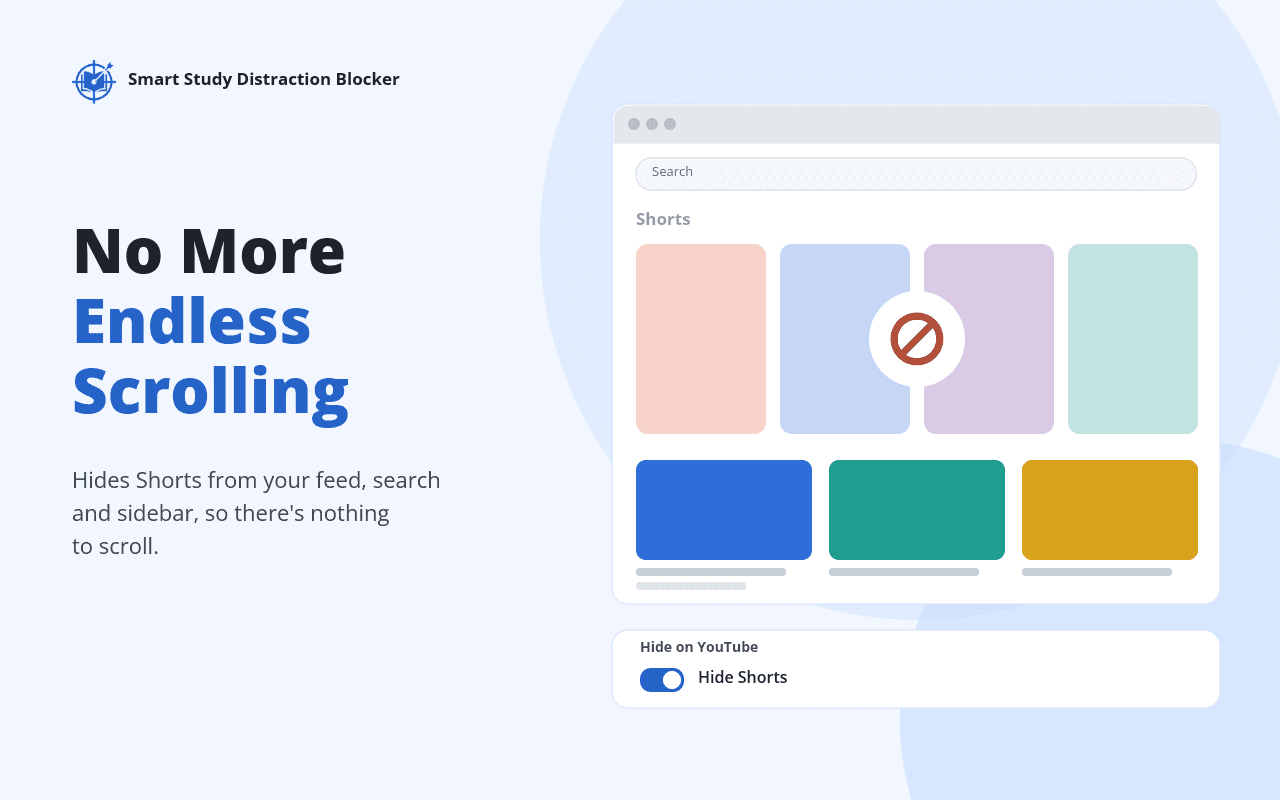
Hide the home feed, video sidebar, end-screen suggestions, Shorts, comments, trending and more with simple switches, so YouTube works as a study tool.
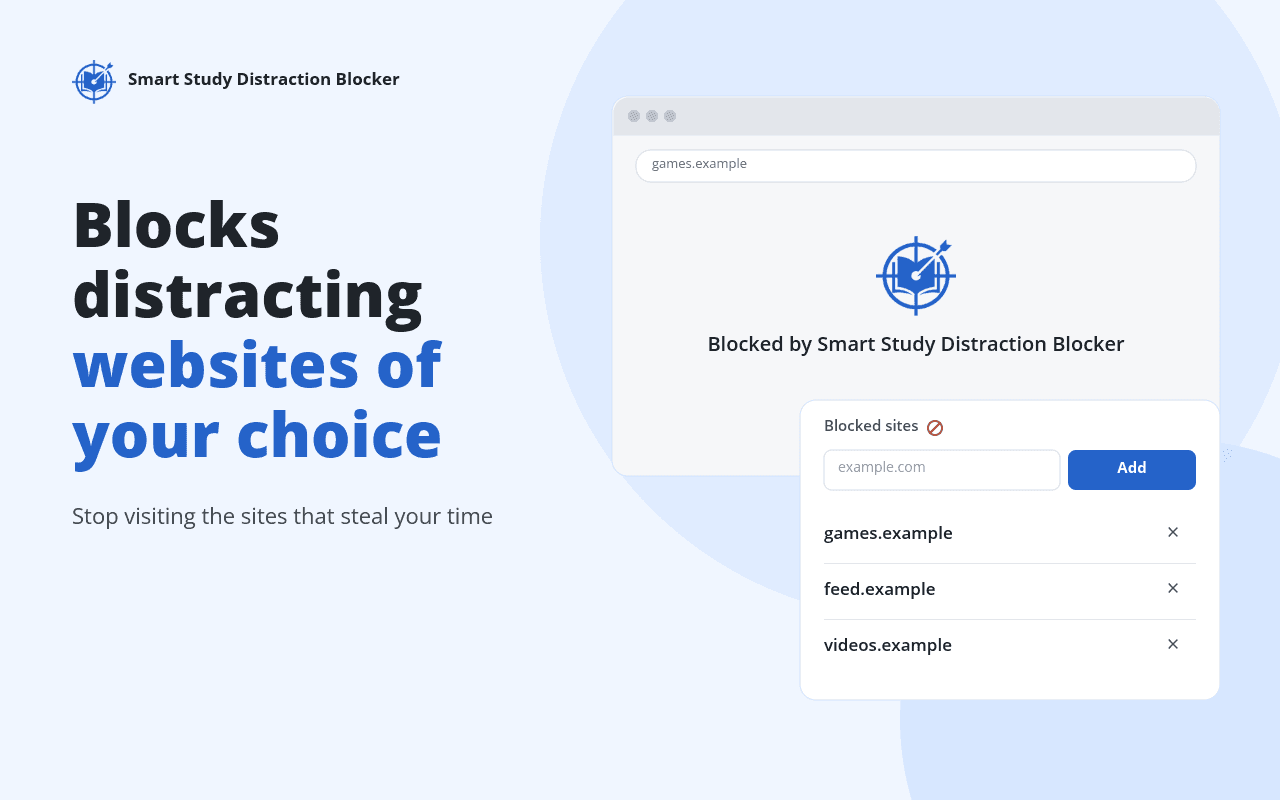
Blocks websites of your choice
Add any site to your block list and it is replaced with a calm block page while you study.
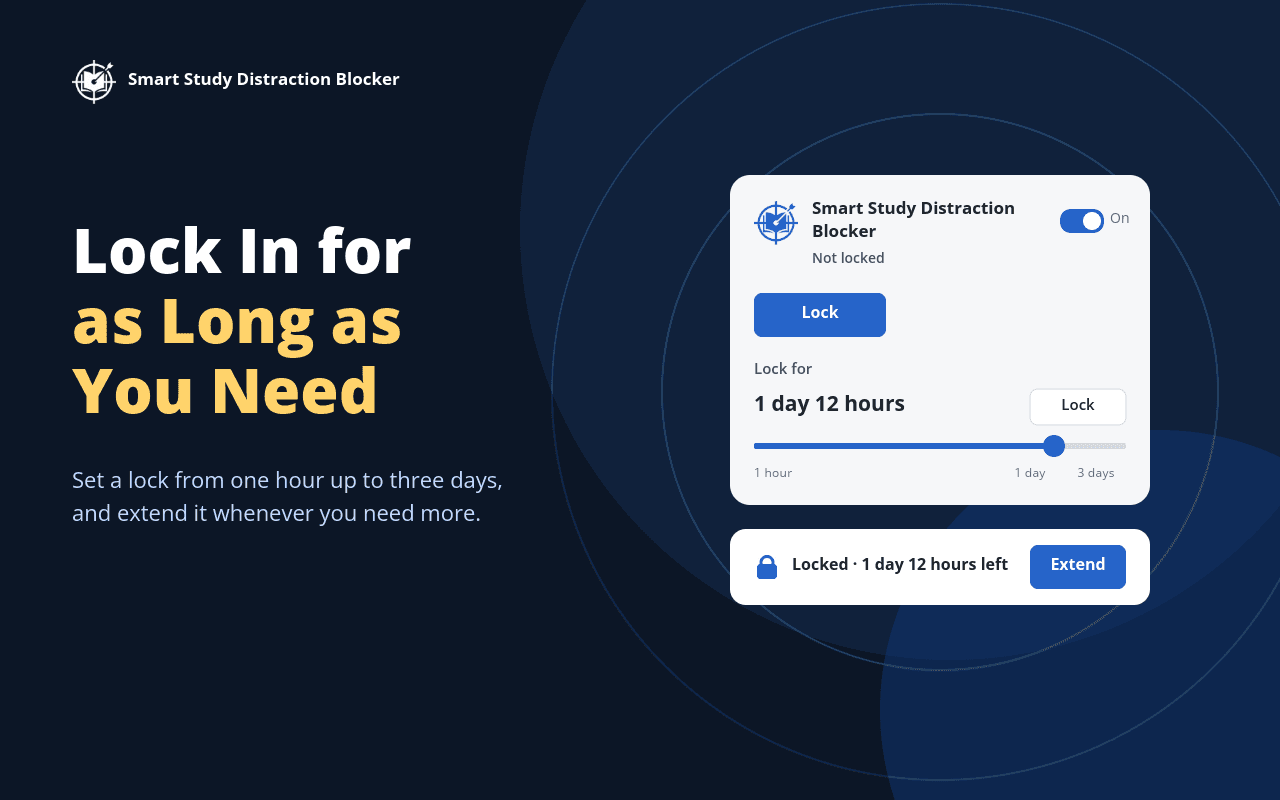
Lock for as long as you need
Set a lock from one hour up to three days and extend it when you need longer, so your blocks stay on when your willpower does not.
Works alone or with the Windows app
The extension has its own settings and needs no account. Install the SSDB Windows app to block apps on your PC too and control the extension from there.
Platform: Chrome, Brave and Microsoft Edge
See it in action
Frequently asked questions
What does the SSDB extension do?
Smart Study Distraction Blocker is a browser extension that blocks YouTube distractions and the websites you list while you study. It can hide parts of YouTube such as the home feed, recommendations, comments and Shorts, and you can set a lock so your blocks stay on for as long as you need.
Does it work without the SSDB Windows app?
Yes. The extension works on its own with its own settings. Installing the SSDB Windows app adds blocking of apps on your PC and makes your lock much harder to bypass. When the app is connected, the extension is controlled from the app.
Which browsers does it support?
Chrome, Brave and Microsoft Edge. Chrome and Brave use the Chrome Web Store listing, and Edge uses Microsoft Edge Add-ons.
Does it block YouTube Shorts?
It hides Shorts shelves and links in your feeds, search results, sidebar and menus. Opening a Short directly from a link still works. To keep Shorts out completely, add youtube.com/shorts to your blocked sites.
Can I end a lock early?
On its own, the extension uses a soft lock: you can choose Break lock early, which starts a countdown, and turning the extension off in your browser also ends the lock. With the SSDB Windows app the lock is controlled from the app and is much harder to bypass.